 Polski (PL)
 English (EN)
List view
More details at a glance
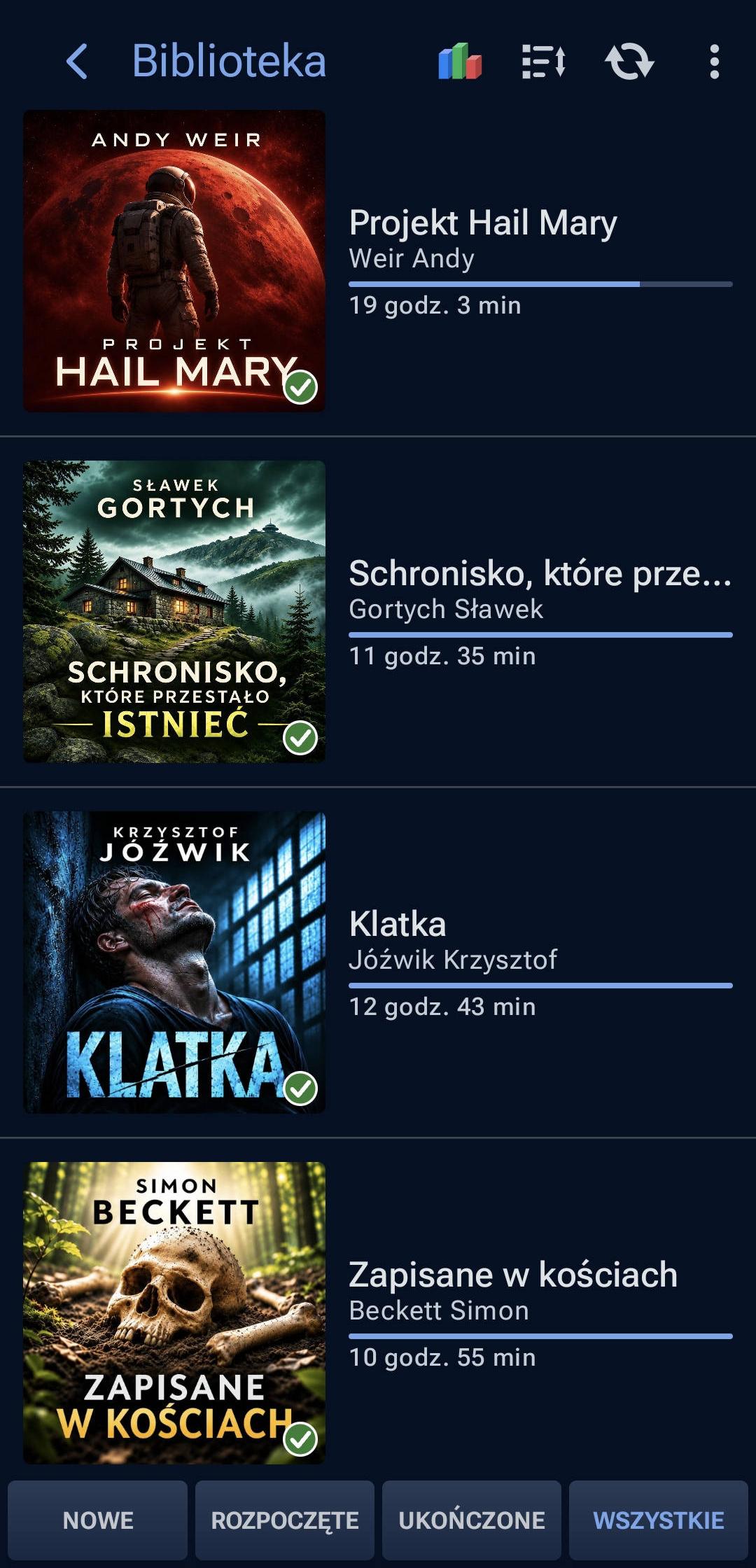
The list makes it easy to browse titles, authors, and listening progress. Ideal for a large collection.
Enjoy your own MP3, M4B, and FLAC files on Android. Moderno remembers your position, makes it easy to pick up where you left off, and lets you customize both the sound and the player’s appearance.
Try Moderno free for at least 30 days. You get full access to every app feature throughout the trial period.

The screen preview is temporarily unavailable.
Moderno was created by an audiobook enthusiast who wanted a more convenient player with a few features he could not find elsewhere. He keeps developing the player he wants to use every day.
Quickly find the audiobooks you have started, those you have yet to play, and those you have finished. Choose a list or cover grid, sort your collection, and filter by listening status. Both layouts show the same library in different ways.
The list makes it easy to browse titles, authors, and listening progress. Ideal for a large collection.
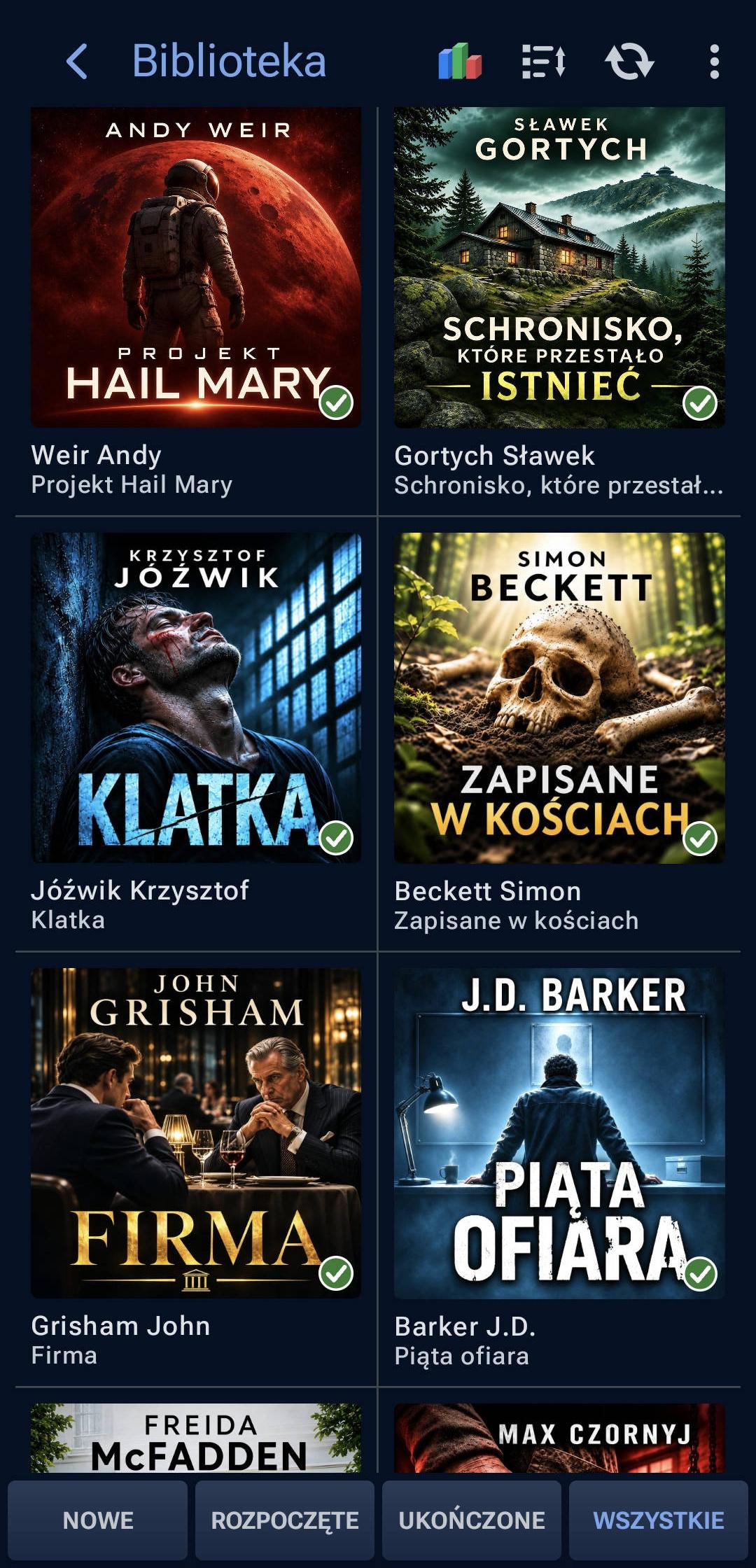
The grid makes it easy to explore your collection and recognize audiobooks by their covers.
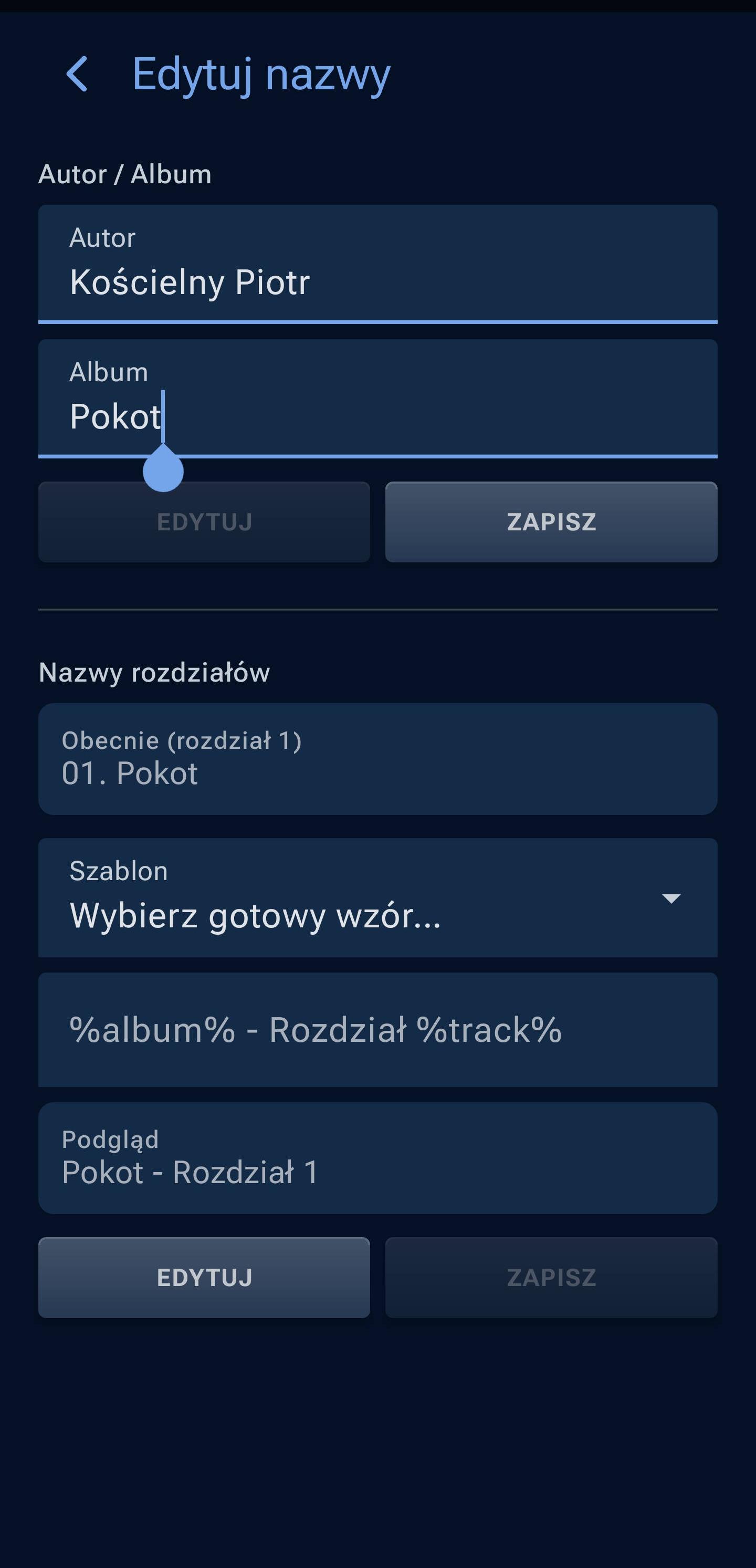
Moderno analyzes audiobook folder names to help identify authors and album titles automatically. This is especially helpful when audiobook folders follow different naming conventions.
If the name is unusual and the algorithm cannot read it correctly, you can edit the author and album title yourself. The editor also lets you adjust chapter names.
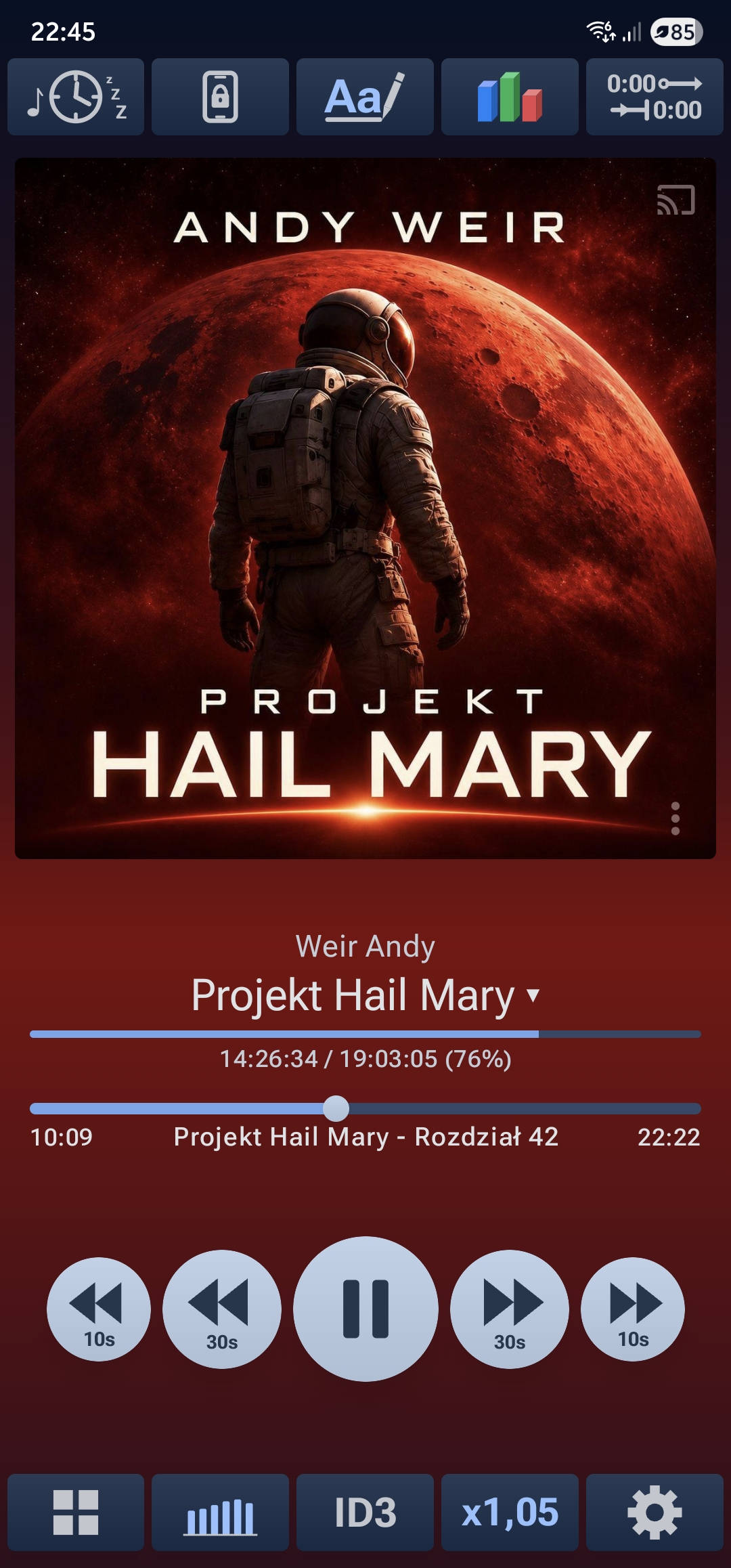
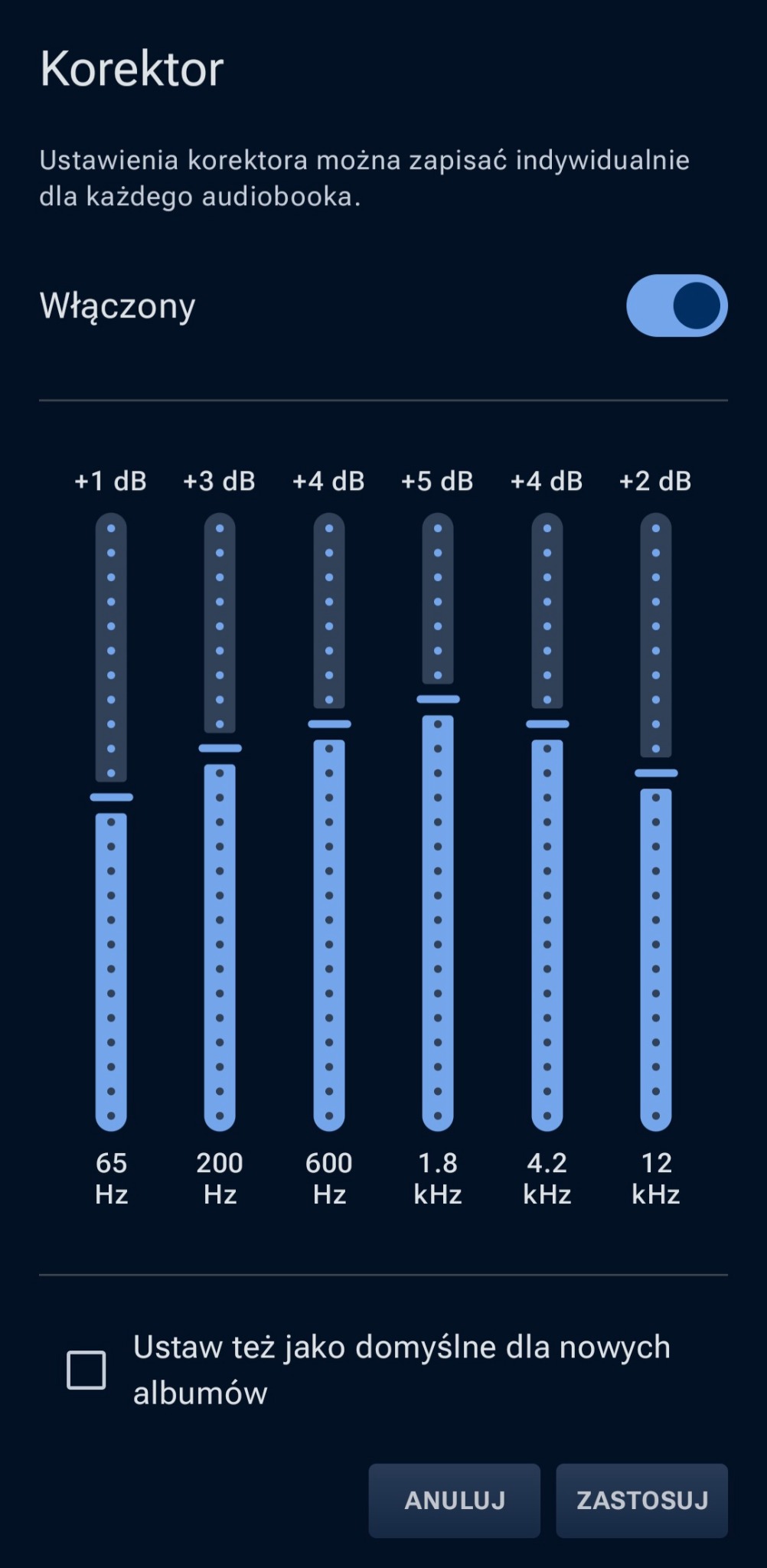
Choose chapters, skip through a recording, and set playback preferences for each audiobook. Adjust speed, tune the narrator’s voice, and boost quiet recordings.
Features that let you reach for your phone less often.
Automatically resume when headphones connect, and control playback from notifications or the lock screen.
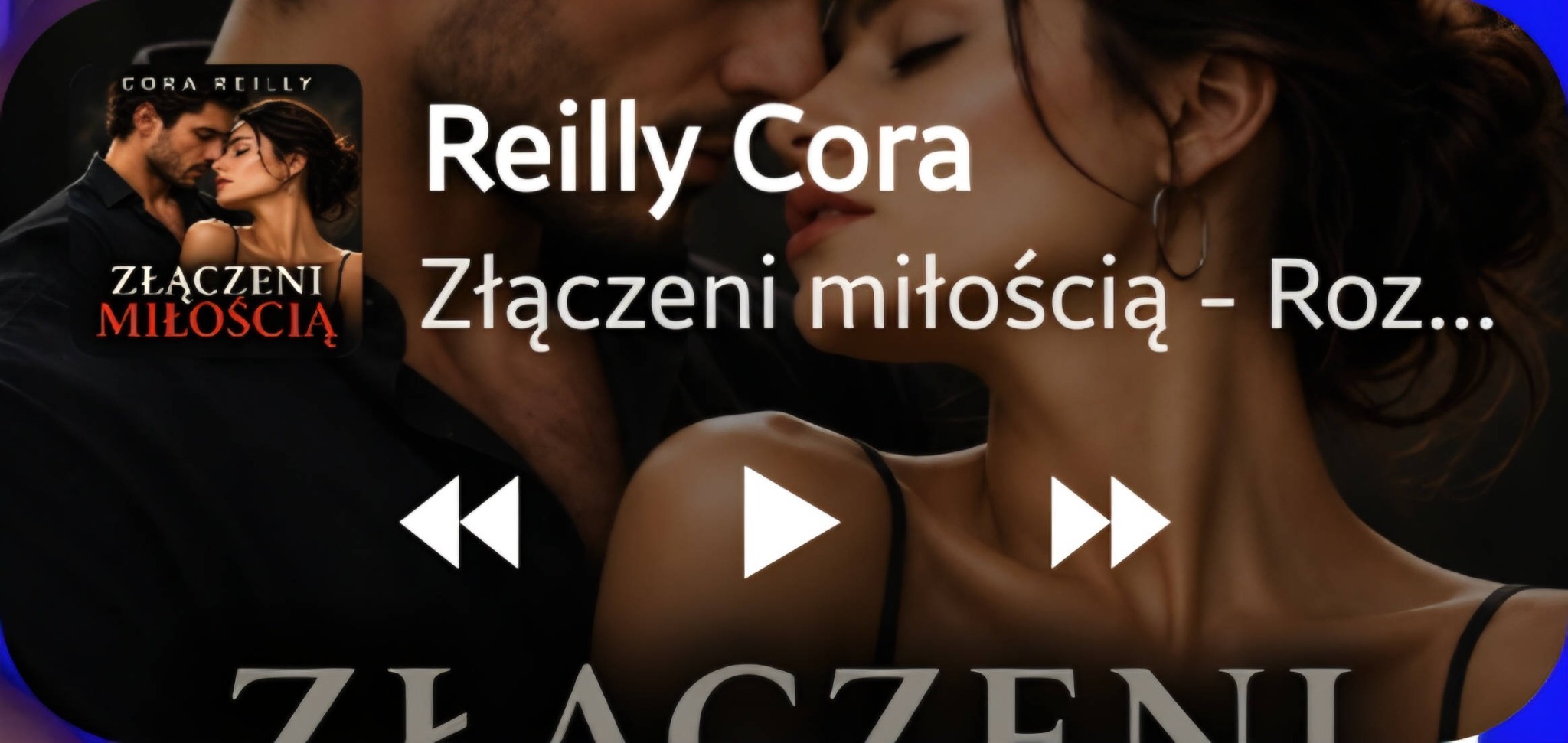
Keep the cover, title, and essential playback controls within easy reach without opening Moderno.
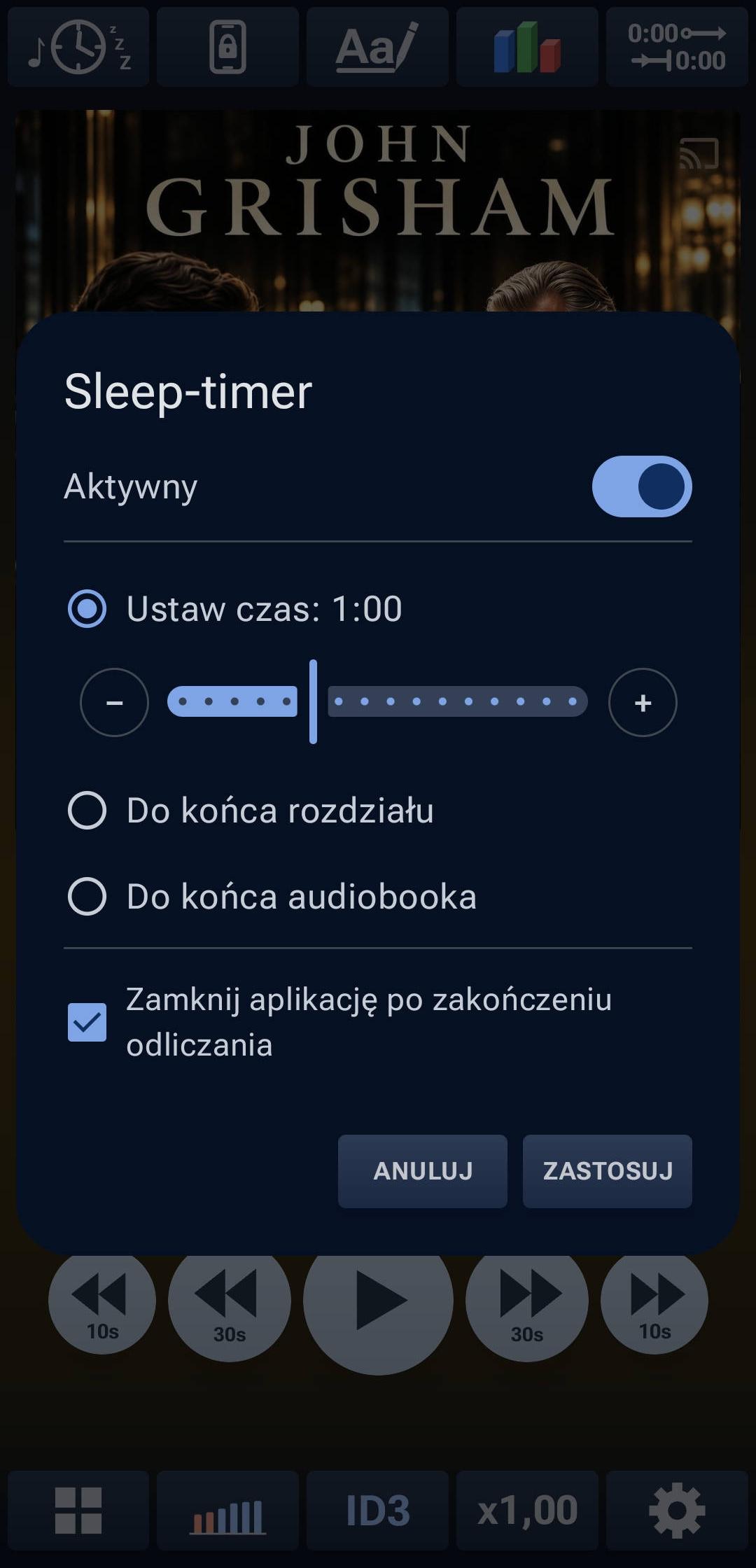
Set a number of minutes, the end of a chapter, or the end of the audiobook. The countdown pauses when playback is paused. The audio can fade out gradually before stopping.
Useful extras that make everyday listening easier.
Choose one of three silence-skipping levels. You can also adjust the narrator’s pitch by ±10%, independently of playback speed. Pitch changes apply only to the current session.
Mark important passages, write down your thoughts, and keep a list of characters. Especially useful for long series and complex stories.
Set segments to skip at the beginning and end of chapters. Moderno automatically skips repeated introductions and endings, and remembers the settings for each audiobook.
Lock selected controls, such as the progress slider, chapter navigation, or seeking. Avoid accidental jumps while listening.
If you pause an audiobook and return later, Moderno rewinds by a set number of seconds. The rewind depends on the length of your break and your chosen intensity.
The player rewinds a little to remind you of the last sentence.
The longer your break, the farther back the player rewinds. This helps you remember what you last heard.
Select one of three rewind levels, or turn the feature off. Rewinding never goes beyond the current chapter.
This interactive example illustrates how the feature works. It is not an app screenshot.
Choose themes, light or dark styling, colors, and control layouts. Below are actual screenshots from the app.
Select a screenshot to view it at full resolution.
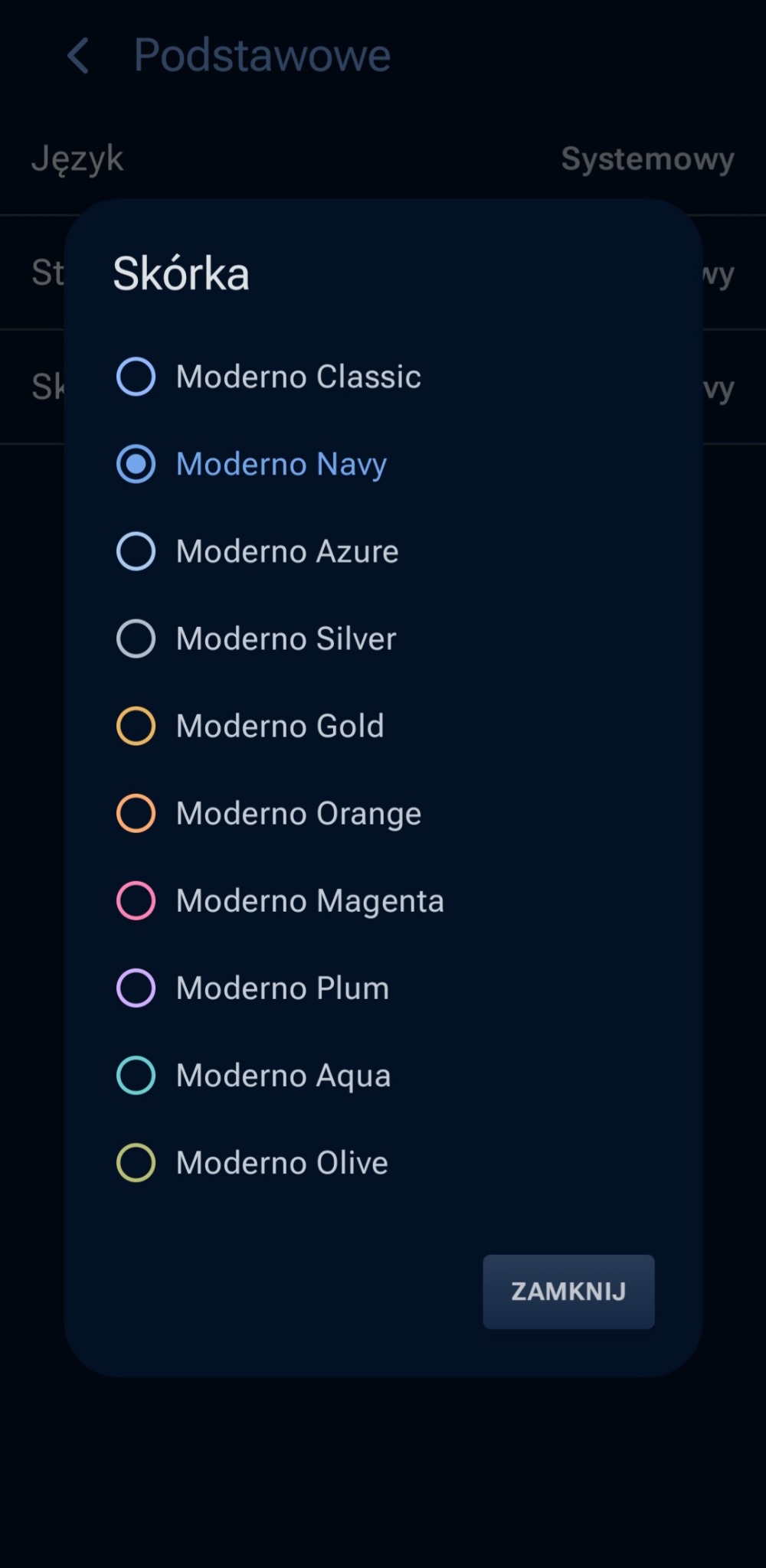
From understated Navy and light options to vibrant colors. Give the player a look that suits your taste while keeping all the essential controls familiar.
The theme picker shows the range of available designs.
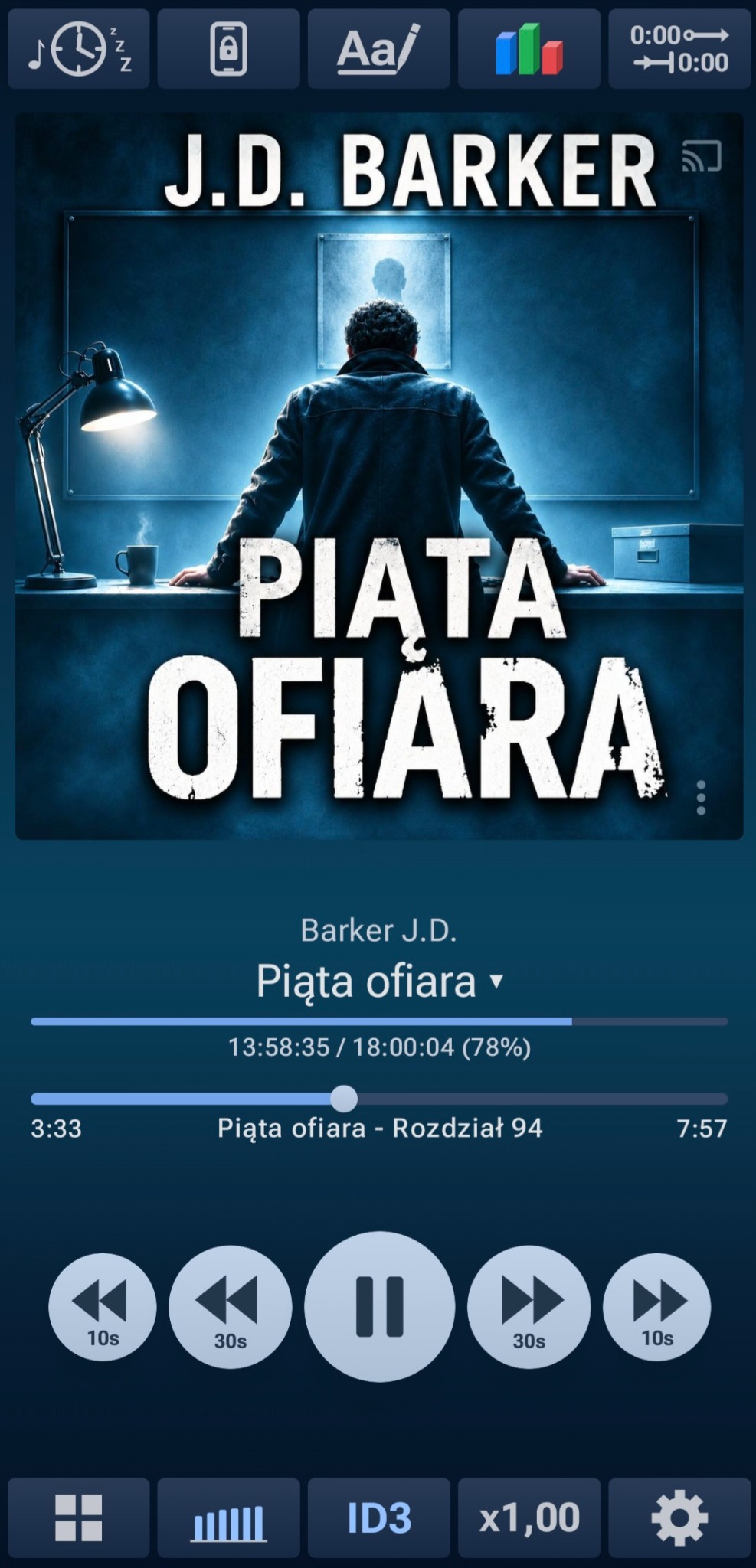
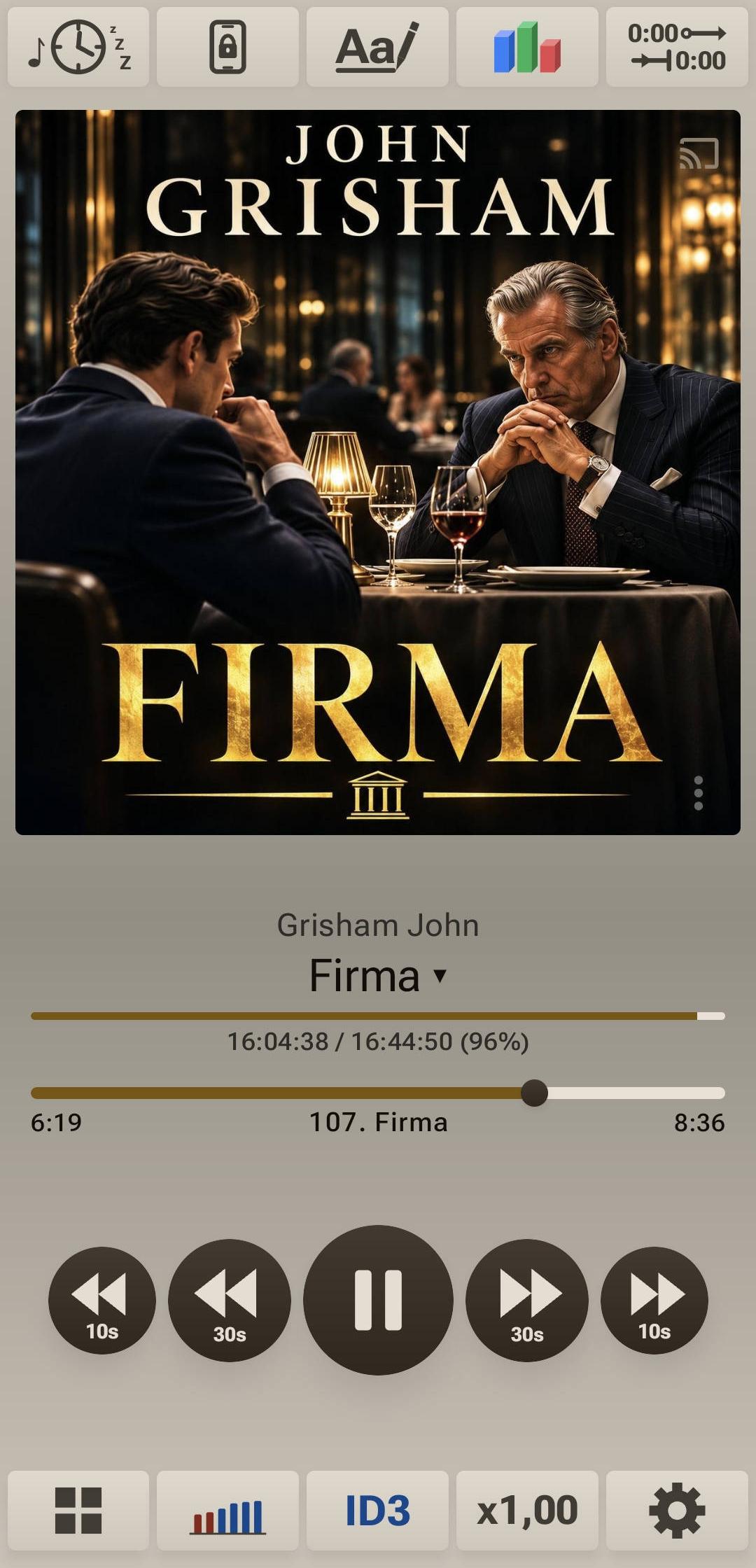
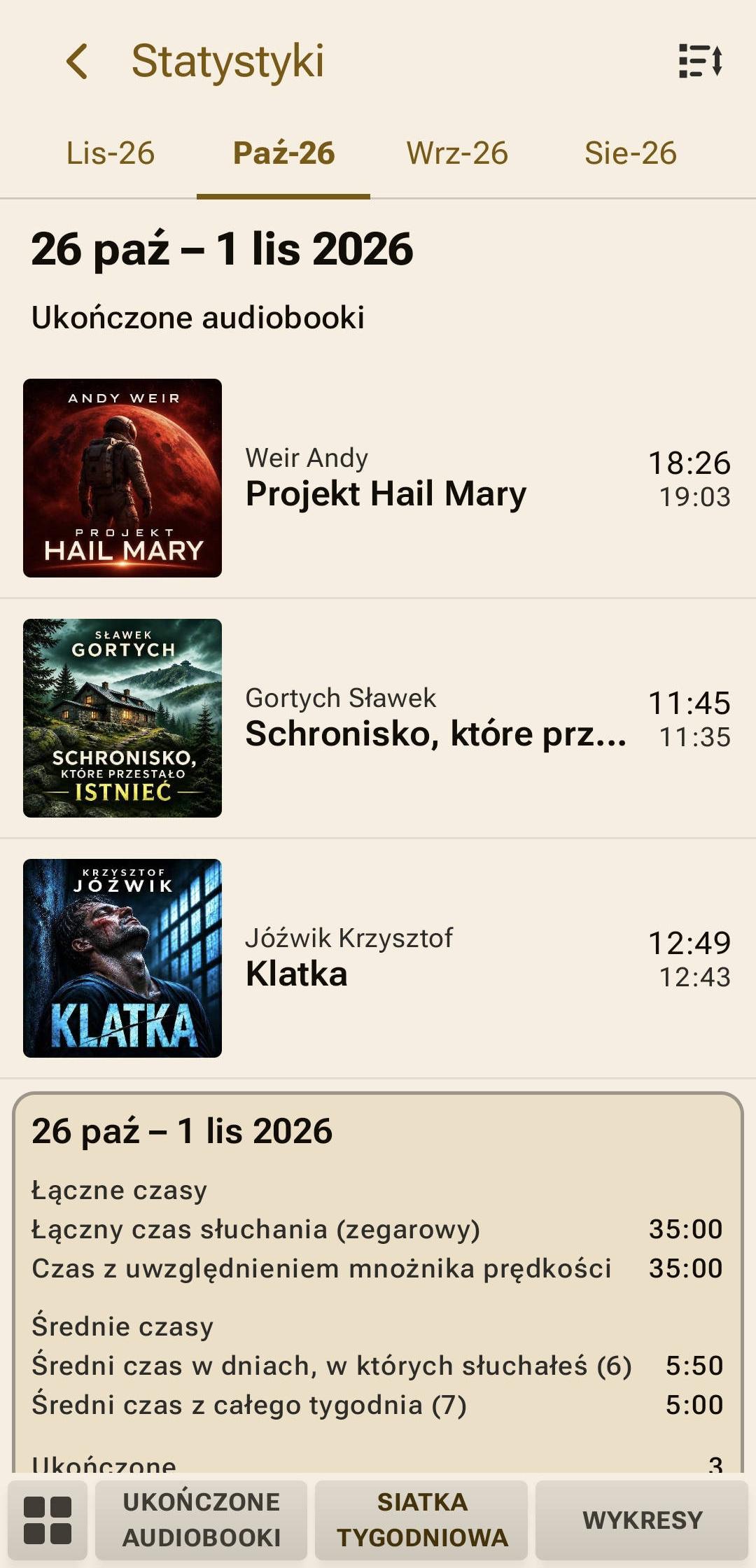
Three actual screens show how Moderno changes its look. The light theme and gold accents extend beyond the player to other parts of the app.
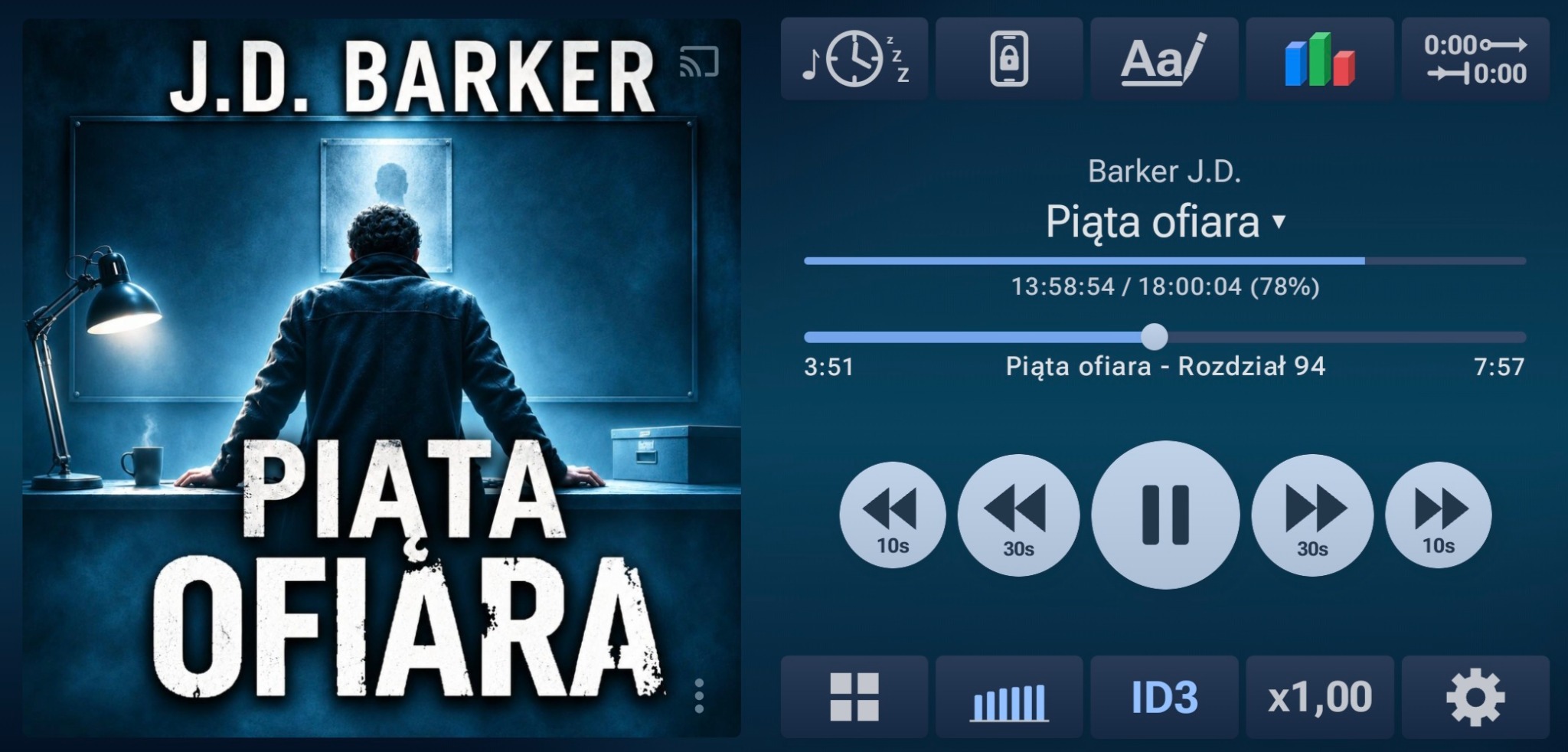
A dark player showing the audiobook “Piąta ofiara” (The Fifth to Die).
A light design with gold accents and the audiobook “Firma” (The Firm).
The same light theme and gold accents in the statistics screens.
Customize the player layout, the size of its elements, and access to your most-used features.
Adjust button size, cover size, and progress bar styling.
Choose up to five shortcuts from seven actions. The Sleep Timer, notes, control lock, and volume boost can be right at hand instead of hidden in settings.
Adjust “Screen zoom” from −10% to +10%. This works independently of automatic scaling for your device’s screen size.
Moderno adapts the player layout to device orientation. In landscape mode, the cover sits beside the controls while chapters and progress stay visible.
Explore weekly and monthly summaries, view listening time on charts, and revisit your completed audiobooks. Everything is based on your listening history.
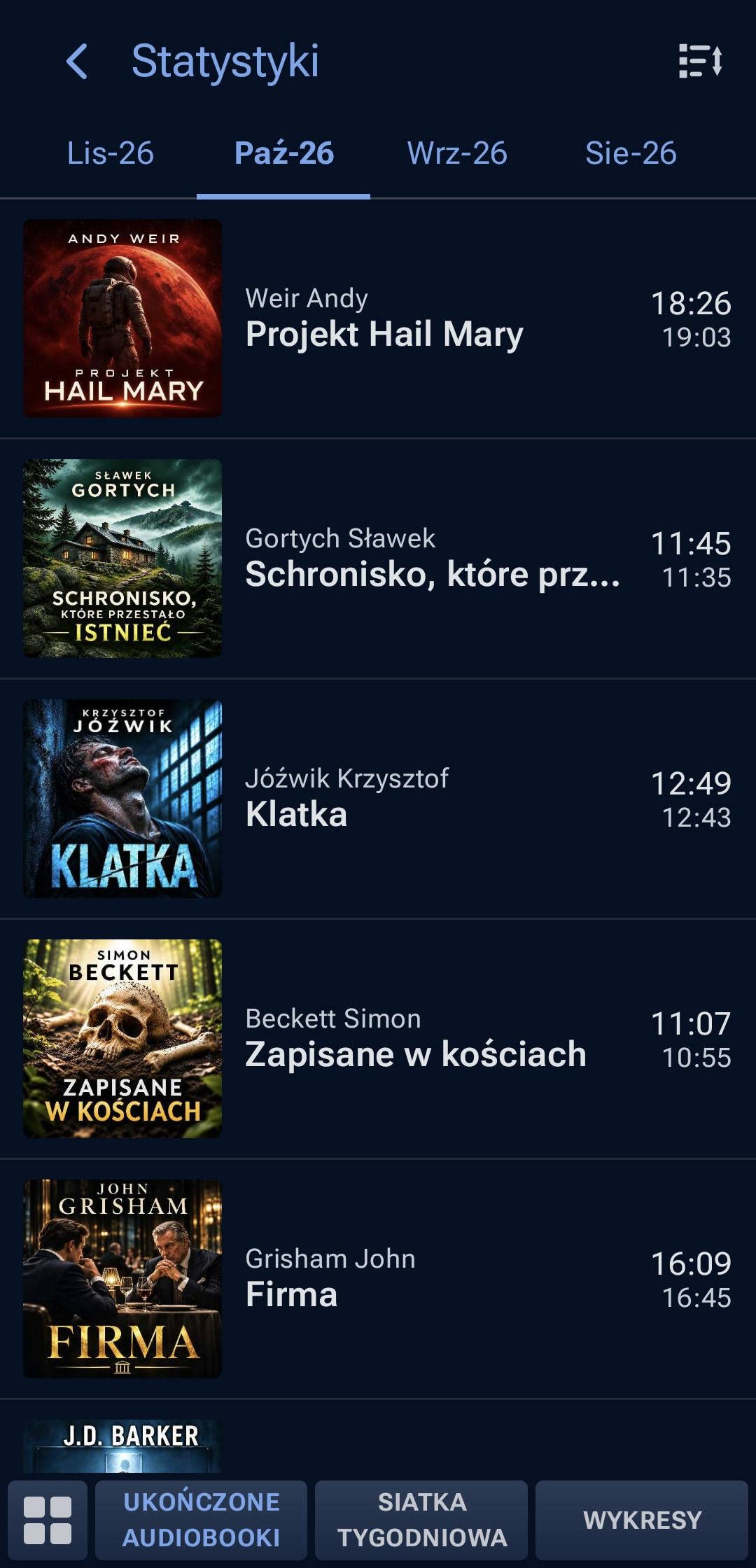
A list of finished audiobooks, with covers and recording lengths. An easy overview of everything you have listened to.
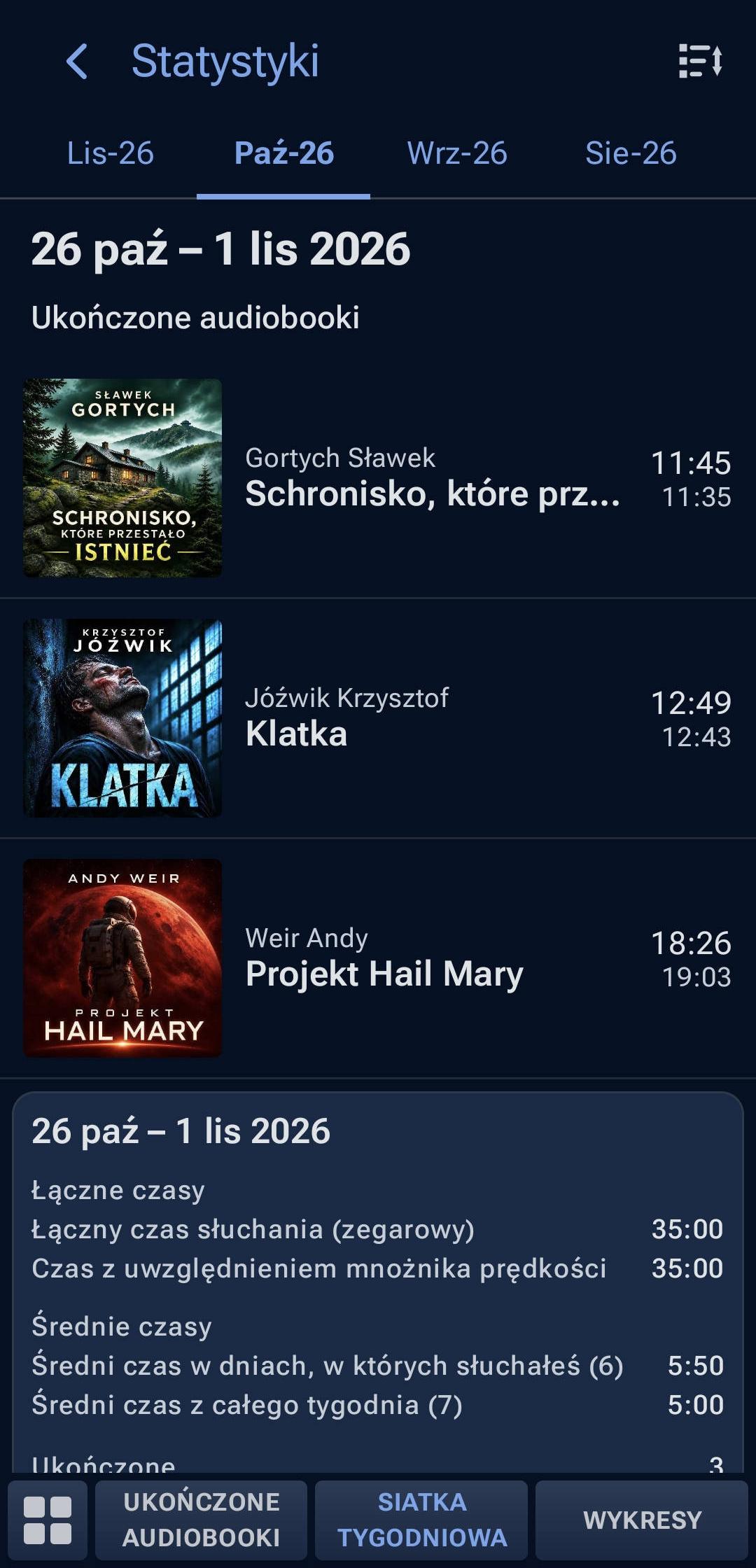
Total listening time, daily average, and completed titles. Previous weeks are available too.
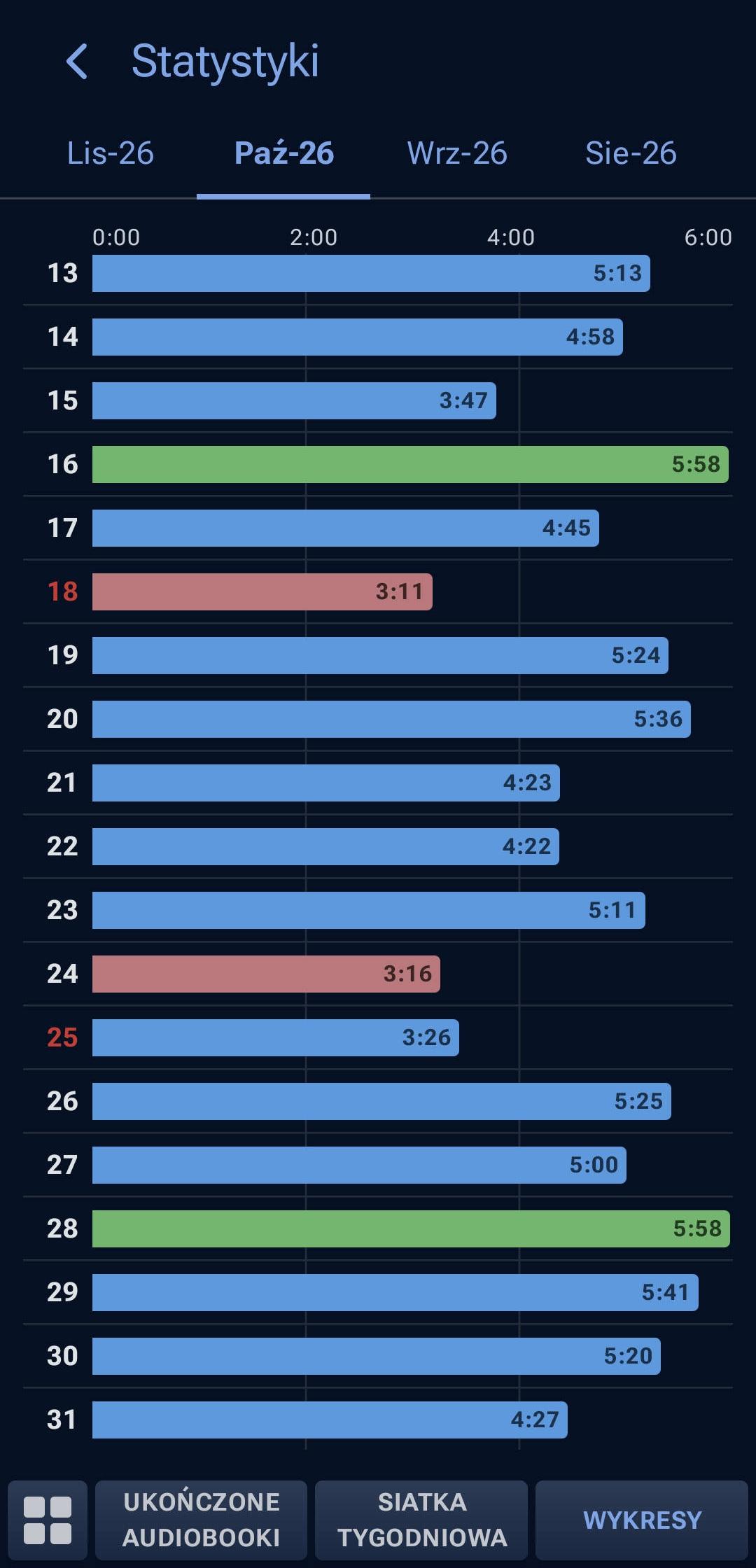
Colorful bars show listening time for each day. Switch between months to compare your results.
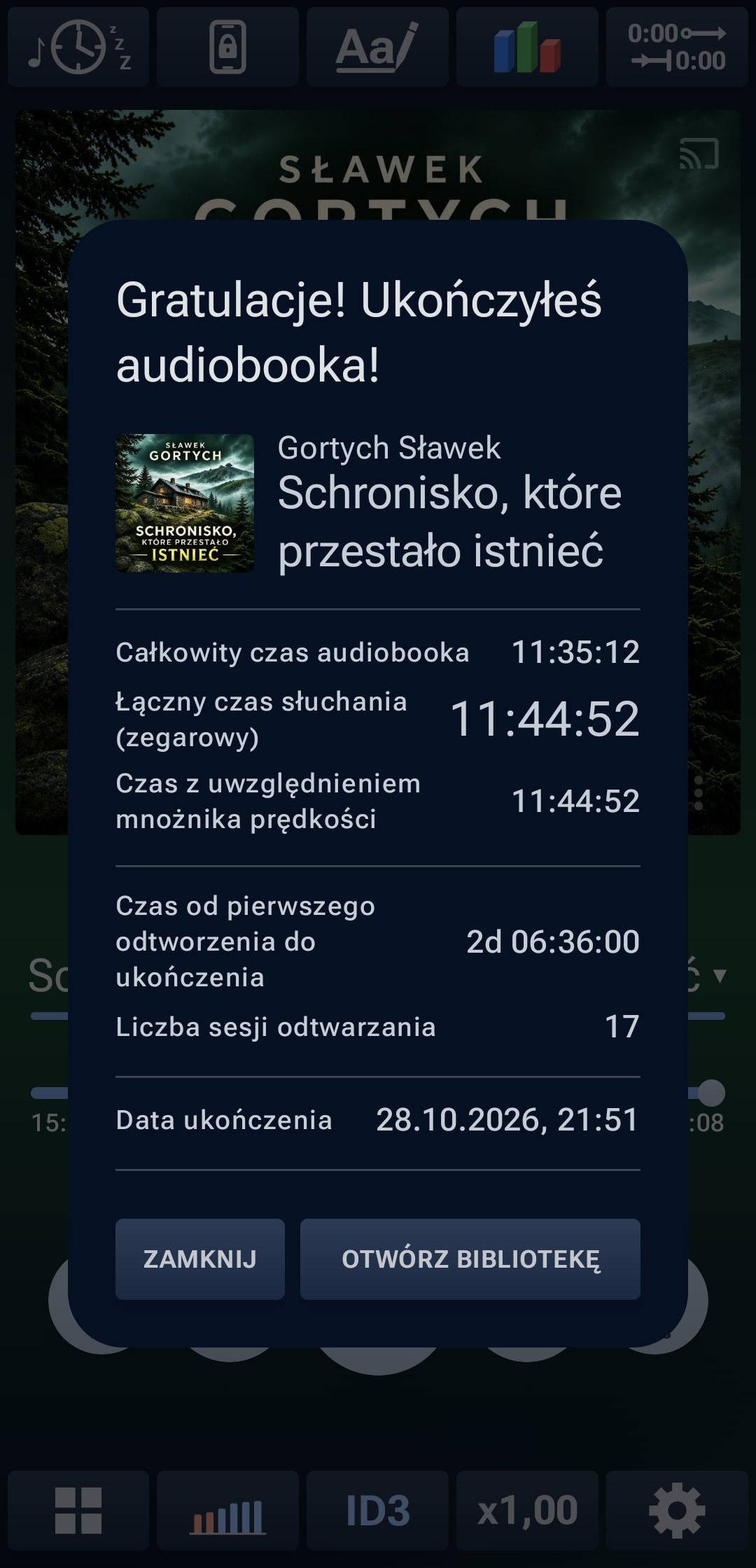
When you finish an audiobook, Moderno shows a listening summary with your listening time, session information, and completion date.
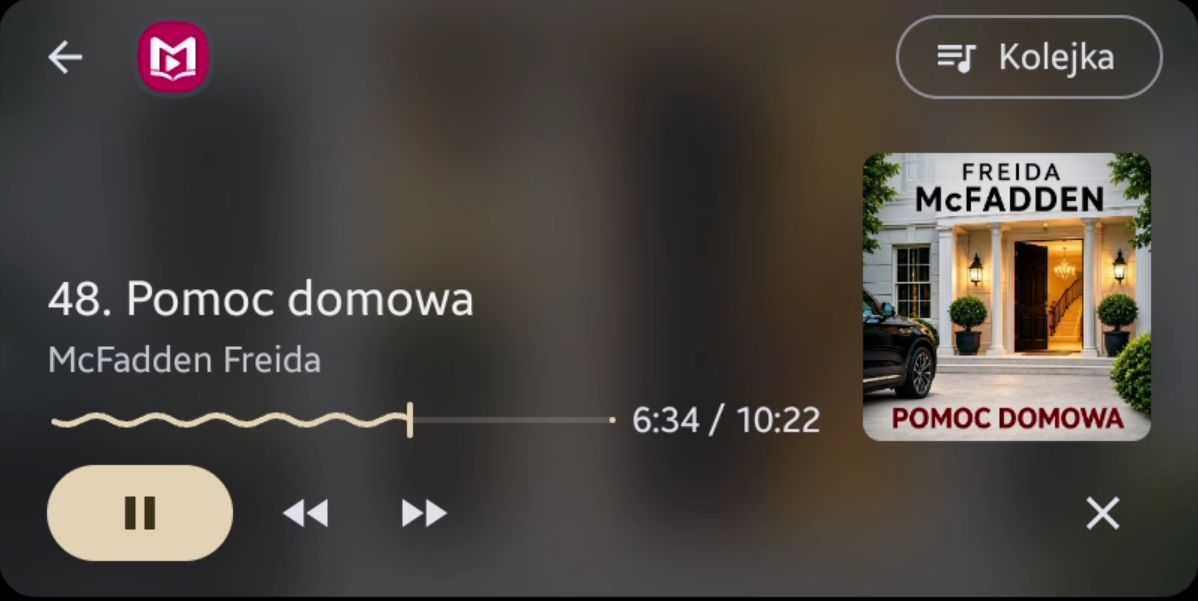
The Moderno Android Auto interface lets you control local audiobooks on your car screen, including titles previously copied from NAS or Google Drive. Browse titles, control playback, and open the chapter list using the “Queue” button.
Moderno supports audiobooks stored on NAS and Google Drive. Stream directly over the network without first copying entire folders to your phone. To listen offline, copy the chosen folder to your device.
Easily copy folders from NAS or Google Drive into your local library. Listen later without a network connection.
Play an audiobook without first copying its entire folder. You will need access to the network source while listening.
Play audio on a compatible Cast or Chromecast receiver. Availability depends on the audio source and device.
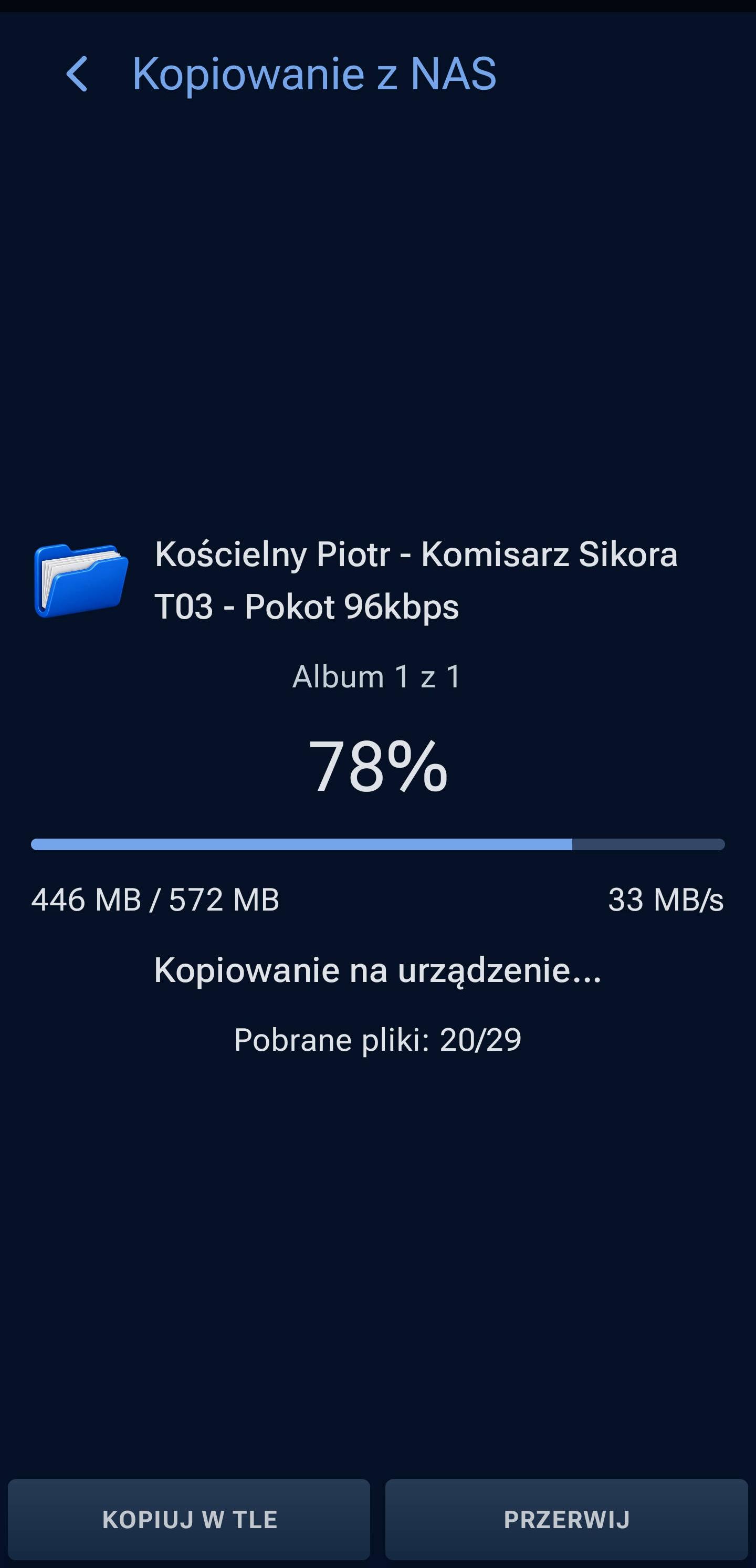
Choose a folder on NAS or Google Drive and Moderno copies the audiobook to your phone. Track transfer speed, progress, and the number of copied files in real time.
Stream audiobooks directly from NAS or Google Drive without downloading them. Want to listen offline? Copy selected audiobooks to your phone.
Moderno syncs data for locally stored audiobooks across your devices: playback position, bookmarks, notes, character lists, and associated history and statistics. Audio files are not transferred. This synchronization does not apply to audiobooks streamed directly from NAS or Google Drive.
NAS or Google Drive can transfer listening data between devices, regardless of where the audiobook files themselves are stored.
Playback positions, bookmarks, notes, and character lists for local audiobooks are synchronized between devices.
Only listening information is synchronized, not audio files, covers, or themes. You still need the audiobook files on the second device.
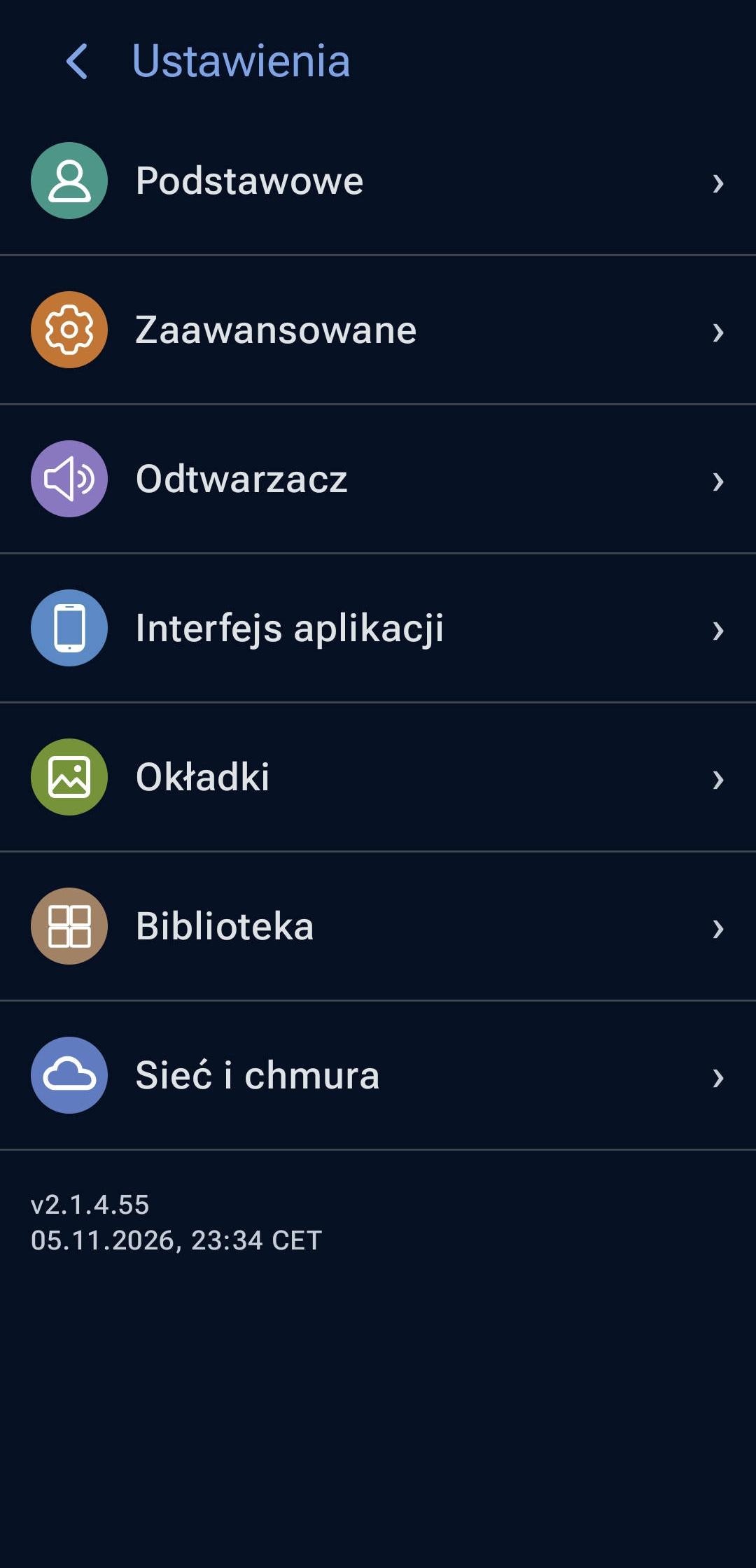
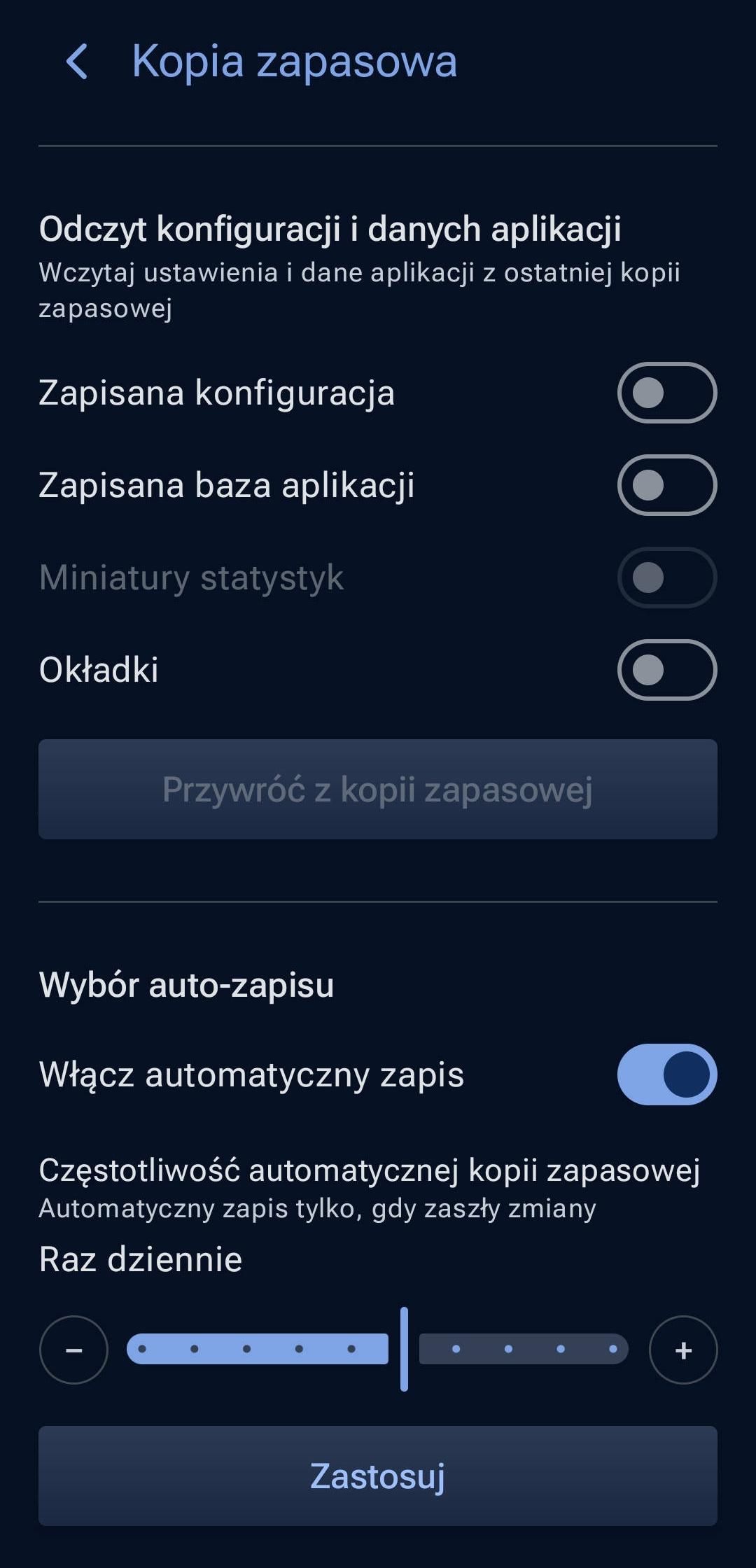
Features are organized into clear categories, from basic settings and playback to the library, interface, and network. You can also create and restore backups.
Separate categories help you reach what you need quickly. Advanced features do not get in the way of everyday use.
Create backups manually or automatically, choose which data to include and how often to save them. Restore from a backup, for example when switching phones.
Moderno does not send usage statistics or crash reports. Network access is used for features such as NAS, Google Drive, Cast, and cover searches.
Moderno runs on Android 8.0 and later. Listen on your phone and control playback via Bluetooth or Android Auto.
Essential information about playback, access, and privacy.
Yes. Moderno plays your MP3, M4B, M4A, and FLAC audiobook files. It does not offer a subscription audiobook catalog or play DRM-protected content.
Yes, locally stored audiobooks play offline. A connection is needed for selected features, such as NAS, Google Drive, Cast, cover search, and synchronization.
At least 30 days, with every app feature available and no feature restrictions. Take your time exploring playback, customization, statistics, NAS, Google Drive, and the rest.
Moderno will still work for free after the trial. The Free version keeps basic playback, Auto-Rewind, notes, bookmarks, and player customization. Extended features including NAS/SMB, Google Drive, synchronization, Android Auto, Cast, full statistics, and additional themes are part of Premium.